
What to film when you think your business isn't visual
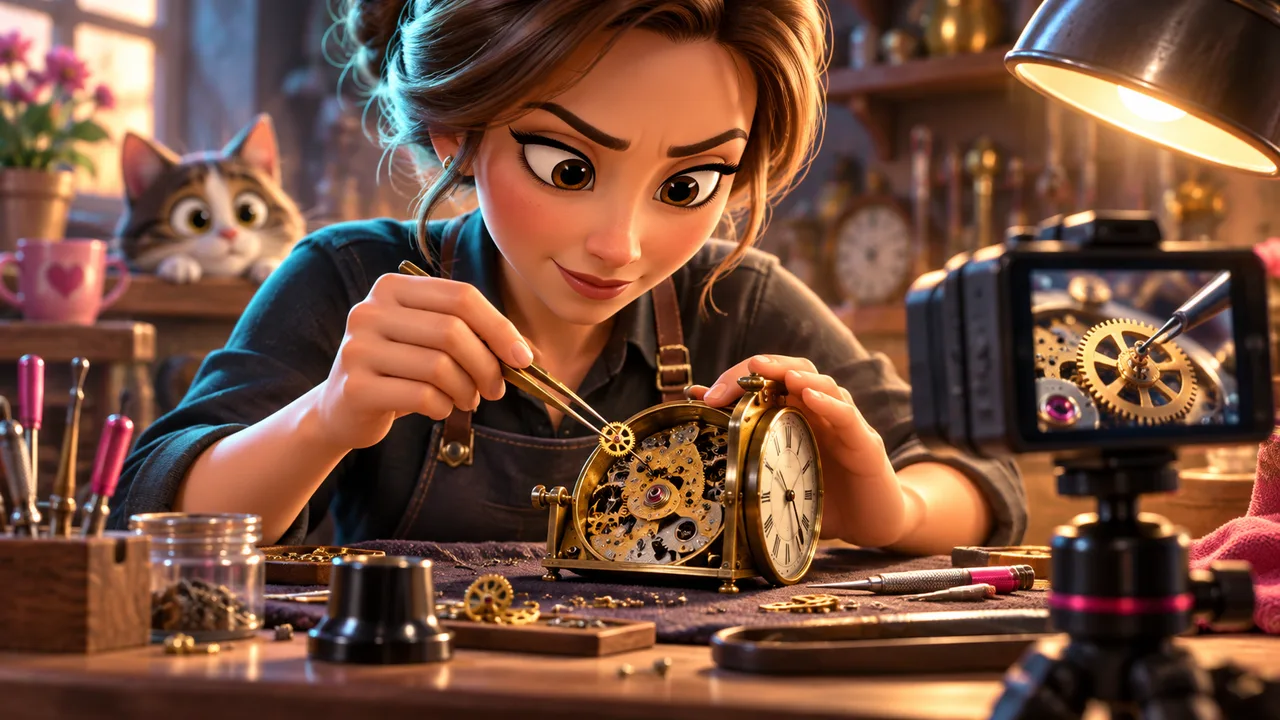
Film the process, the hands, the before-and-after and the small moments customers never see — then use animation only for the one shot a phone can't get, like a mascot tying it together.
Why does my business feel like it has nothing to film?
Because you're picturing the wrong shot. You're picturing a hero product turning on a plinth, and you don't have one — you have a waiting room, a set of clippers, a spreadsheet, a dog on a table. So you assume there's nothing there.
But the thing customers are actually curious about isn't the product. It's the part they never see: what happens between dropping something off and picking it up, or between booking and walking out. That gap is the whole business, and right now it's invisible to them.
What actually counts as footage if I don't have a product to show?
Anything with a hand in it. A phone camera is good at exactly one thing: close, specific, repeated motion. It doesn't need to be dramatic. It needs to be true and a little bit close-up.
Walk through one real appointment or job, start to finish, and film the parts you'd normally skip past.
- The setup — sterilizing tools, prepping a station, laying out ingredients
- The hands doing the actual work, shot close, not wide
- The tiny decisions — color mixing, measuring, adjusting a setting
- The reaction at the end, even if it's just a nod
- The before-and-after, side by side, no narration needed
- The mess — packaging, cleanup, the stuff that isn't for the client's eyes
Where does animation actually help if I'm just filming my own shop?
Animation earns its place where a phone camera physically can't go — inside a machine, under the skin, across a process that takes three weeks compressed into three seconds. It's not there to replace your real footage, it's there to bridge the one gap a lens can't cross.
The other place it earns its place is character. A small recurring mascot can sit next to your real counter, your real chair, your real kitchen pass, and give the video a face when your actual work doesn't have one to offer — no customer wants their unmasked face on your feed, but a character can stand in without any of that friction.
What should I avoid filming?
Don't stage a fake-busy shot — a lineup that isn't real, a phone ringing off a hook it never actually rings off. It reads as fake because it is, and once one shot feels staged, the audience stops trusting the rest of the video.
Also skip generic stock-style shots: hands typing on a laptop, a coffee cup next to a notebook, a handshake in a blazer. That's not your business, it's every business, and it tells the viewer nothing they couldn't already picture.
How do I turn this into an actual shot list?
Pick one real job you're doing this week anyway. Write down every step in order, the way you'd explain it to a new hire. Next to each step, note whether a phone can catch it clean, or whether it's the kind of thing — inside a wall, under a hood, three weeks compressed — that only animation can show.
That's your shot list. Fifteen seconds of real footage from that one job, cut against the one moment that needed an animated assist, is a stronger video than anything staged from scratch.
Common questions
Do I need a professional camera to shoot this footage?
No. A phone shot in good light, held steady, close on the hands, is enough for almost every clip on this list.
How much of the final video should be animated versus real footage?
For most service businesses, real footage should carry the video and animation should fill only the specific gap a camera can't reach — often just a few seconds.
What if the actual work looks messy or unglamorous?
Film it anyway. Unpolished and real reads as trustworthy; a business that only shows its cleanest angle reads as hiding something.
How long should each raw clip be before we edit it down?
Aim for 5 to 15 seconds per moment — one action, done once, shot close. You can always trim further in the edit.